
How to Preview Face Shape Eyeglasses Choices With Meta
Preview face shape eyeglasses choices with Meta virtual try-on, compare how available styles look and understand what its appearance preview establishes.
Table of Contents
There are several ways to try out face shape eyeglasses choices. In fact, one way you can try on frames for your face shape is via Meta’s virtual try-on feature.
In this article, we’ll show you how you can preview different styles of glasses based on your face shape, and also explain what exactly will be rendered in the preview, as well as Meta’s handling of that information.
Meta’s Virtual Try-On
Meta AI Glasses virtual try-on is available in certain countries, including the United States, Canada, United Kingdom, France, Germany, Italy, and Spain. The virtual try-on feature isn’t guaranteed for compatibility with a user’s specific product and device. However, it’s still worth exploring for some users, particularly those who have access to smartphones or other mobile devices with cameras, or perhaps a tablet or desktop computer.
Digital eyewear follows your facial movement while separating visual alignment from confirmation of physical fit or prescription suitability
While there’s an option to try on glasses with just the right pair of frames for your face shape, Meta’s tracking of where your face (and eyes) move helps place digital eyewear appropriately on your own face without physically trying on eyewear. While this does not guarantee a proper fit — bridge comfort, temple pressure and cheek clearance unconfirmed by the preview, since these would require more detailed data than simply estimating locations of eyes, nose and mouth — at least it shows how the frame would align with the rest of your features.
Facial Tracking Information and Self-Use Conditions
A Meta spokesperson said that during a try-on session, all facial tracking information used for placing eyewear on the user’s face is used only for that particular session. It is discarded when the session concludes. Meta said that its servers do not store any of that information, nor does it store it on the user’s device. The company did say that no sharing of that information takes place with third parties.
The preview feature is limited to use on yourself. No other person may be present in the camera feed, photo or video. If you’re in Texas or Illinois, you’re required to read Meta’s self-use conditions before using the feature.
If you’re a Texas or Illinois resident, you’ll be asked to turn on “Virtual Try-On” each time you use the feature.
Compare Eyewear Products and Styles
Meta’s documentation does not establish the exact buttons or frame choices shown. Use the virtual try-on feature to compare the eyewear products and styles available there. Their 3D renders track your face as you move, showing their appearance without confirming physical fit.
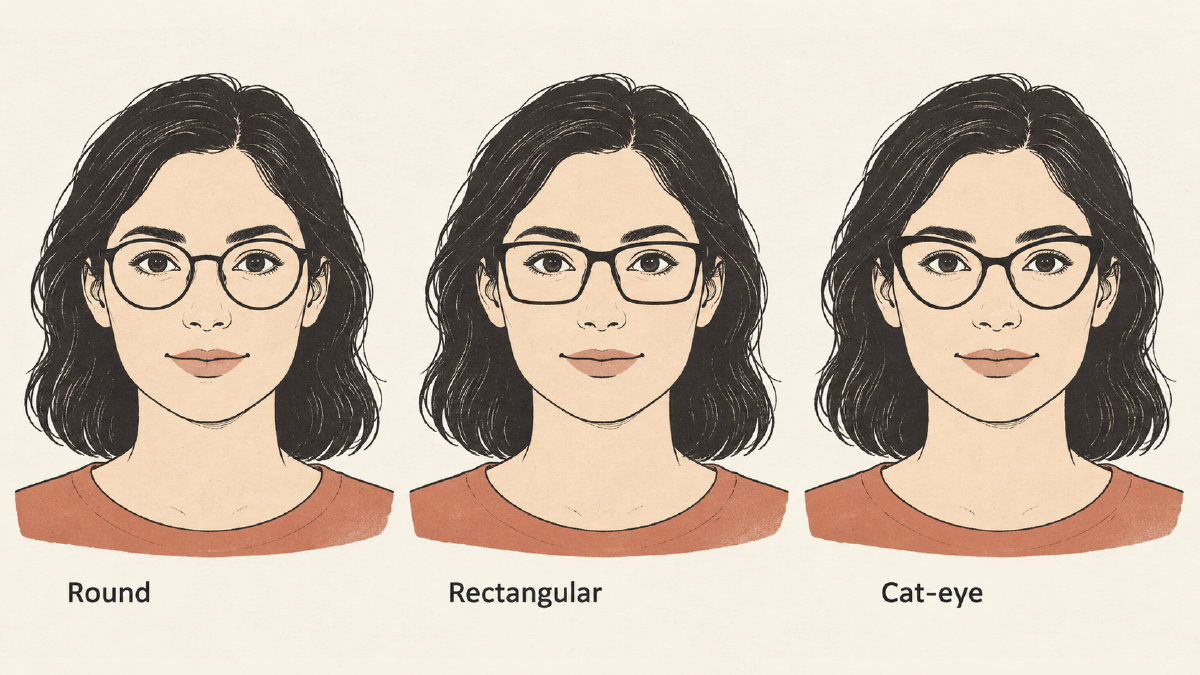
When comparing the styles available in the feature:
• Compare how the eyewear looks on your own face
• Move your face to see how the digital eyewear stays aligned
• Keep visual alignment separate from confirmation of physical fit
Compare the eyewear products and styles available in the preview. Meta adjusts the digital eyewear to your face size and movement; its documentation does not establish manual frame rotation controls.
The final rendering shows the glasses on the face of the user.
If you don’t like the glasses, compare other styles available in the feature to find options to investigate further.
If you decide you like the frames shown, however, you can proceed through the Meta website and buy them.
For now, Meta says its Virtual Try-On functionality is available in certain countries, including the United States, Canada, United Kingdom, France, Germany, Italy, and Spain.
Sources
Measure your own face
Free, in your browser. Your photo is never uploaded.
- Attractiveness TestFace rating, PSL range and eye type.
- Face Symmetry TestHow evenly the two sides match.
- Jawline AnalyzerJaw angle, jaw width and chin taper.